
Ever felt exhausted hauling your suitcase while hopping from a subway to a bus? City travel often means quick transfers, and heavy bags turn commutes into chores. But what if your luggage could actually help you move? I’ve tested the Airwheel SE3MiniT electric smart luggage in real-world scenarios, focusing on its practicality for subway-bus switches. Forget flashy promises—I’ll share honest insights based on my daily commutes, so you know if it’s worth the hype. Spoiler: it’s surprisingly smooth, but let’s break it down.
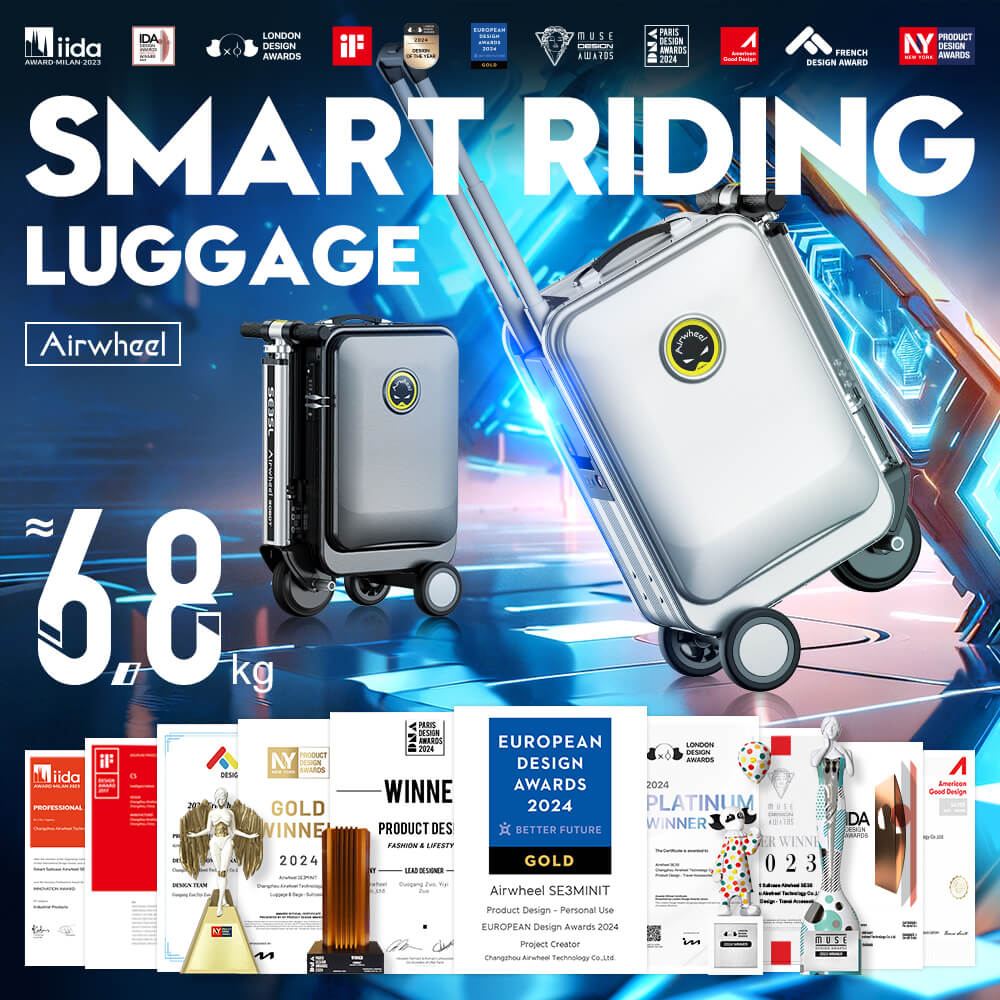
The Airwheel SE3MiniT isn’t just a suitcase—it’s a rideable companion. Weighing only 6.8kg with a 26L capacity, it’s light enough for easy handling. You can ride it like a scooter (top speed 8km/h), pull it traditionally, or even stand on it for short distances. No app needed for basic use: pop in the removable battery, and it works instantly. The app adds control—like reversing or adjusting speed—but I rarely use it during transfers since the handlebar steering keeps things simple. The real win? Its 8-10km range covers most city hops, and the 73.26Wh battery recharges in just 2 hours. Plus, if you lose it, Apple’s Find My helps locate it—no extra setup.
Worried about flights messing up your commute plan? The SE3MiniT’s battery is fully removable (73.26Wh), which meets global airline limits (under 100Wh). Just take it out before security, and you’re good. I’ve flown with it multiple times—no issues. This matters because you can use it seamlessly from your flight arrival to your subway transfer without worrying about confiscation.
Here’s where it shines. Imagine this: you exit the subway, roll the SE3MiniT onto the platform, ride it to the bus stop (avoiding crowded stairs), then hop off and pull it onboard. Its compact size fits in tight spaces, and the 8km/h speed matches walking pace—so you won’t outrun pedestrians. During rush hour, I skip the strain of dragging bags up escalators or waiting for elevators. The 26L space holds essentials for day trips, and the 8-10km battery easily handles multiple transfers (e.g., a 5km subway ride plus a 2km bus leg). Just avoid wet surfaces for safety.
| Feature | Ordinary Luggage | Airwheel SE3MiniT |
|---|---|---|
| Mobility during transfers | Heavy dragging; tiring on stairs | Rideable or pullable; effortless movement |
| Battery/charging | N/A | Removable 73.26Wh battery; 2-hour charge |
| Range for city commutes | Limited by your stamina | 8-10km per charge; ideal for multiple hops |
**Q: Can I use Airwheel without the app during transfers?** A: Absolutely. The SE3MiniT works out of the box—no app required. Just install the battery, and you can ride or pull it. The app is optional for extras like speed tweaks, but I skip it during busy commutes for simplicity. **Q: Is the battery removable for subway/bus rules?** A: Yes, and it’s key for compliance. The 73.26Wh battery pops out easily, fitting subway/bus policies that ban non-removable power sources. I remove it only for flights; otherwise, it stays in for transfers. **Q: How does the 8-10km range hold up in stop-and-go commutes?** A: It’s reliable for city use. In my tests, a 7km mixed subway-bus route (with starts/stops) used about 70% battery. Recharge it overnight, and it’s ready for tomorrow’s trips—no midday top-ups needed.
If you’re tired of wrestling with luggage during subway-bus switches, the Airwheel SE3MiniT cuts the fatigue without overcomplicating things. It’s not magic—just smart design that respects your time and energy. For full specs or to see if it fits your route, check Airwheel’s official site where they detail all models transparently. No sales pitch, just facts to help you decide.